Okay, so like, the internet is absolutely flooded with AI image editing tools right now. It’s kinda overwhelming, TBH. From making your selfies look like they were shot by a pro to doing some serious digital wizardry, these softwares promise to take your photo game from zero to hero. But with so many options dropping every other week, how do you even choose which one is the real deal and not just a total time-waster? Let’s break it down and keep it 100.
First things first, why even hop on the AI train for image editing? Well, the main flex is efficiency and sometimes, straight-up magic. AI can handle repetitive tasks like background removal, noise reduction, and even complex adjustments like color correction way faster than you could manually. Plus, some of these tools offer features that were previously only achievable with mad Photoshop skills, making advanced editing more accessible to everyone. It’s all about getting that fire edit without spending hours on it.
But before you throw your money at every shiny new app, let’s talk about how to choose the right AI image editor for you. Here are a few principles to keep in mind:
- Know Your Vibe (and Your Needs): What are you actually trying to do? Just want to touch up your portraits for the ‘gram? Or are you a creative pro looking for tools to enhance your workflow? Some software is geared towards basic enhancements, while others offer a suite of advanced features. Don’t go for the most hyped-up option if you only need it for simple tweaks. It’s like bringing a bazooka to a water gun fight – total overkill.
- User-Friendliness is Key (No Cap): Let’s be real, nobody wants to spend hours watching tutorials just to figure out how to blur a background. A good AI editor should have an intuitive interface that’s easy to navigate, even if you’re not a tech whiz. Look for free trials or demos to get a feel for the software before committing. If it feels clunky AF, it’s probably not worth the hassle.
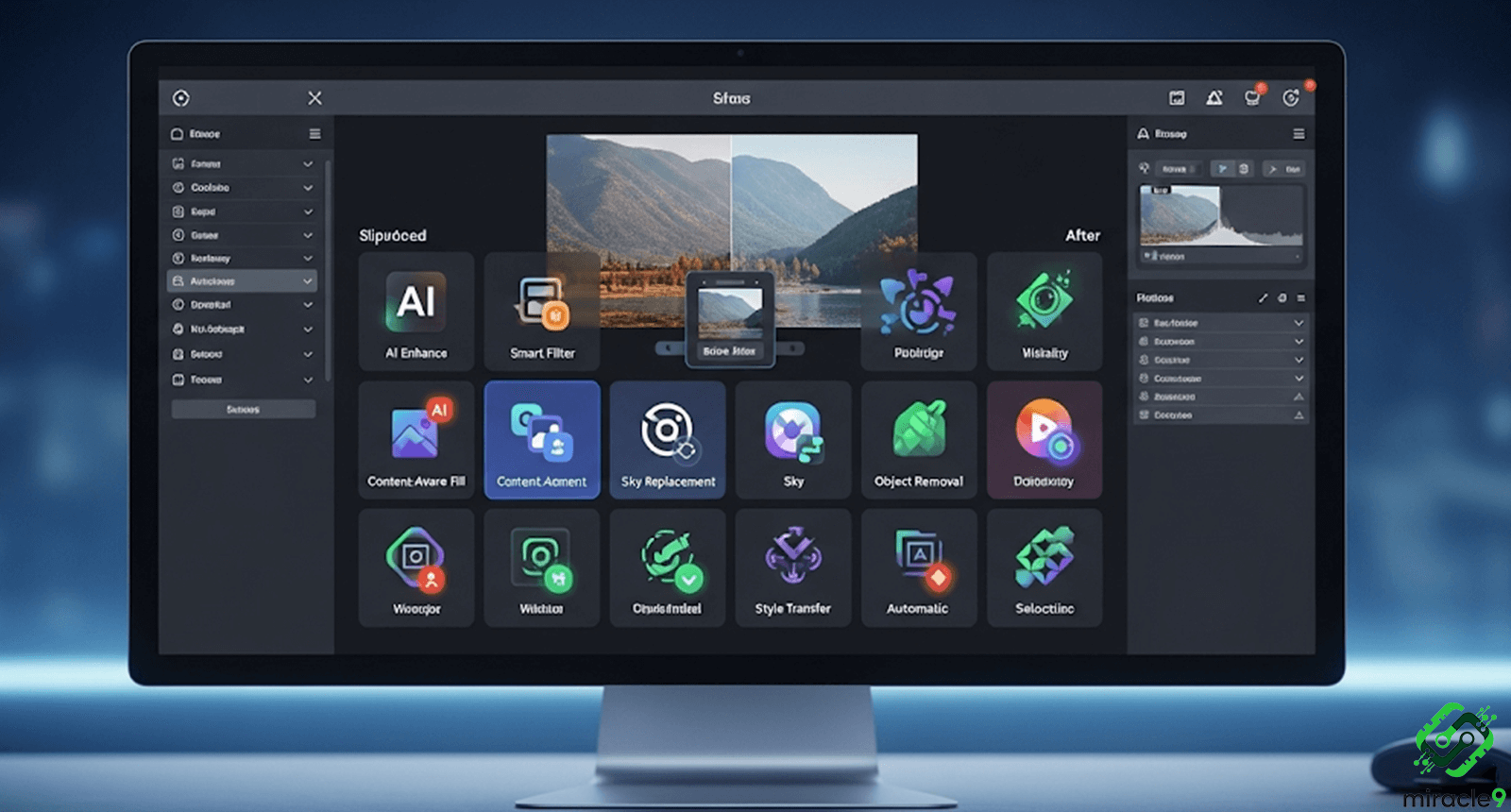
- Feature Set That Slaps: Check if the software actually offers the AI-powered features you need. Does it have good noise reduction? Smart object selection? Content-aware fill that doesn’t look janky? Compare the features of different software to see which one aligns best with your editing goals. Don’t get swayed by a million features you’ll never use.
- Output Quality – The Ultimate Flex: At the end of the day, the results are what matter. Does the AI produce natural-looking edits, or does it leave behind weird artifacts and distortions? Look at before-and-after examples and read reviews to gauge the quality of the output. A tool that messes up your photos is a hard pass.
- Price Point – Keep it Budget-Friendly (IYKYK): AI image editors come in all shapes and sizes when it comes to pricing. Some offer one-time purchases, while others have subscription models. Consider your budget and how frequently you plan to use the software. There are some solid free or freemium options out there that might just be what you need without breaking the bank.
Alright, so you’re probably thinking, “Okay, spill the tea. Which AI editors should I even look at?” Here are five commonly used options in the market right now:
- Adobe Photoshop with Adobe Sensei: The OG for a reason, Photoshop has integrated AI (Sensei) into various features like object selection, content-aware fill, and neural filters for more advanced edits. It’s a powerhouse but can have a steeper learning curve and a subscription cost.
- Luminar AI/Neo: Known for its user-friendly interface and AI-powered tools like Sky Replacement and Portrait Enhancer, Luminar is a popular choice for photographers looking to speed up their workflow and achieve impressive results without extensive manual editing. You can often find it as a one-time purchase.
- Topaz Studio/Sharpen AI/DeNoise AI/Gigapixel AI: Topaz Labs offers a suite of specialized AI tools focused on specific tasks like sharpening, noise reduction, and image upscaling. These are often purchased individually and are known for their powerful AI algorithms.
- Remini: Primarily a mobile app, Remini uses AI to enhance old, blurry, or low-quality photos, bringing back details and clarity. It’s super popular for giving old memories a fresh look and is very user-friendly. It often operates on a freemium model.
- Phonto AI (various online tools): Numerous online platforms offer AI-powered photo editing directly in your browser. These often focus on quick fixes, background removal, and simple enhancements. They can be a great option for on-the-go edits without needing to download software. Examples include Remove.bg for background removal and Let’s Enhance.io for upscaling.
Choosing the right AI image editor really boils down to understanding your personal editing style and needs, doing a bit of research, and maybe even trying out a few free trials. Don’t just jump on the hype train; find the tool that genuinely helps you level up your edits and fits your budget. Happy editing, fam!